

iPhone & iPad
The native app: studies offline, tap the card to move on, works with a game controller.
- Install TestFlight from the App Store.
- Open the Pedemy beta link and tap Accept, then Install.
Join the beta

Scan with your iPhone camera
iPhone · iPad · Mac · Windows · Android · Web
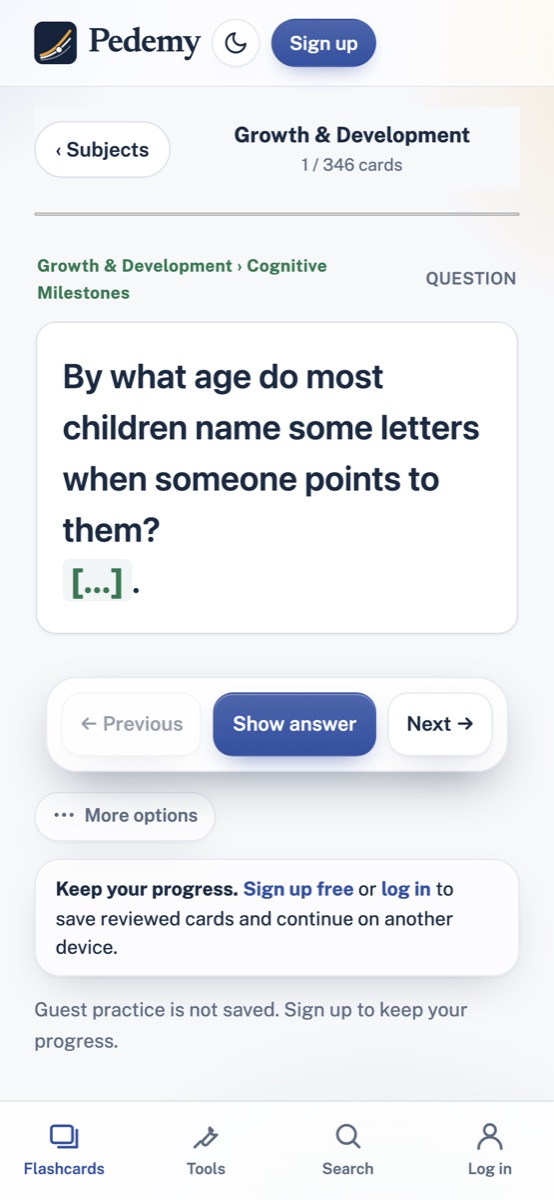
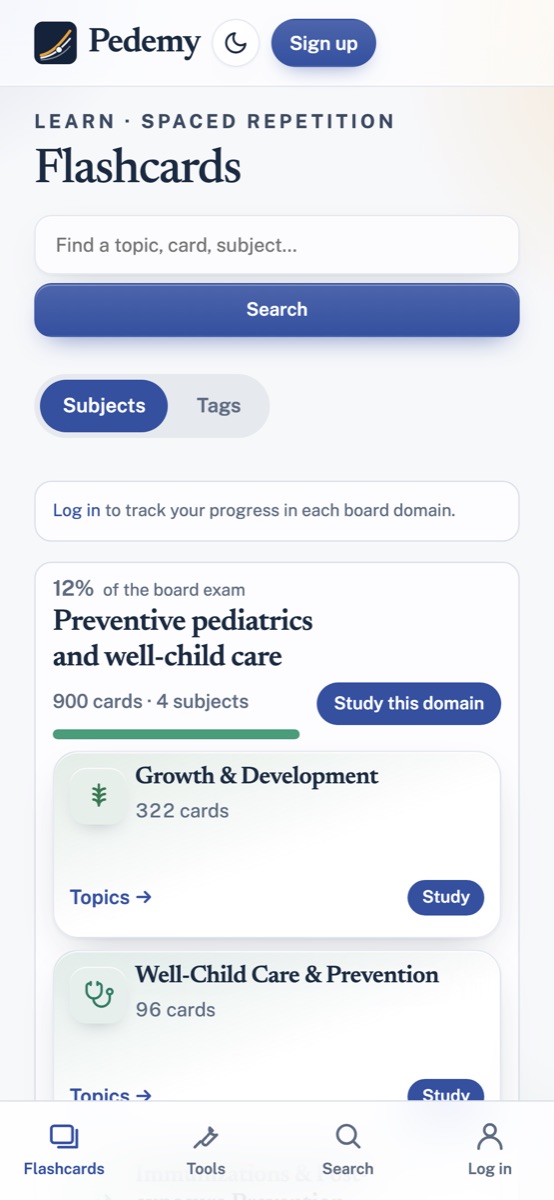
The same free flashcards, practice questions and clinical tools on your phone, tablet and computer. Your progress follows you when you sign in.
The native app: studies offline, tap the card to move on, works with a game controller.
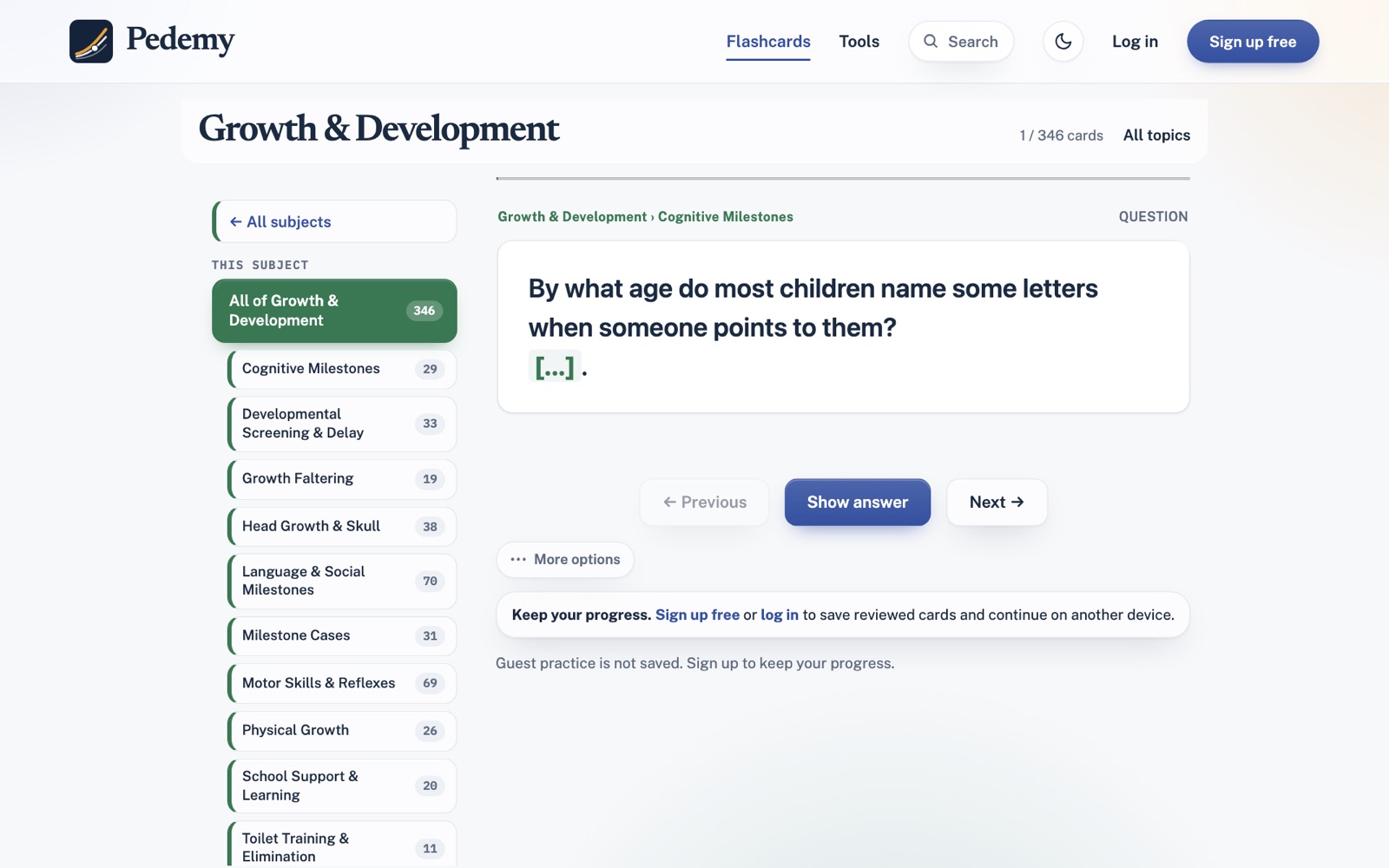
A full Mac app with keyboard shortcuts (Space, 1–4) and Anki-style tools.
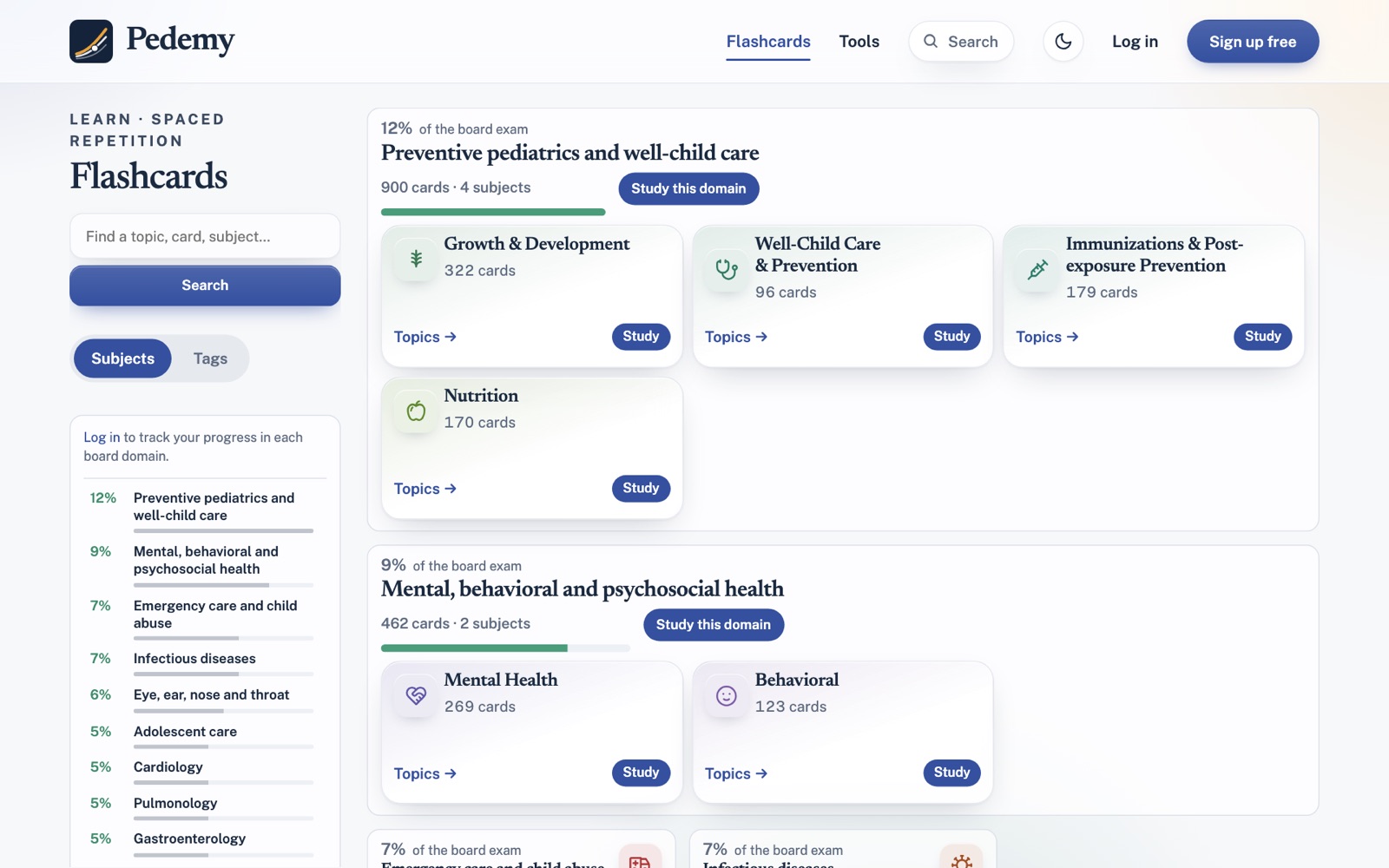
Install Pedemy from Microsoft Edge or Chrome: it opens in its own window from the Start menu. A Microsoft Store version is coming.
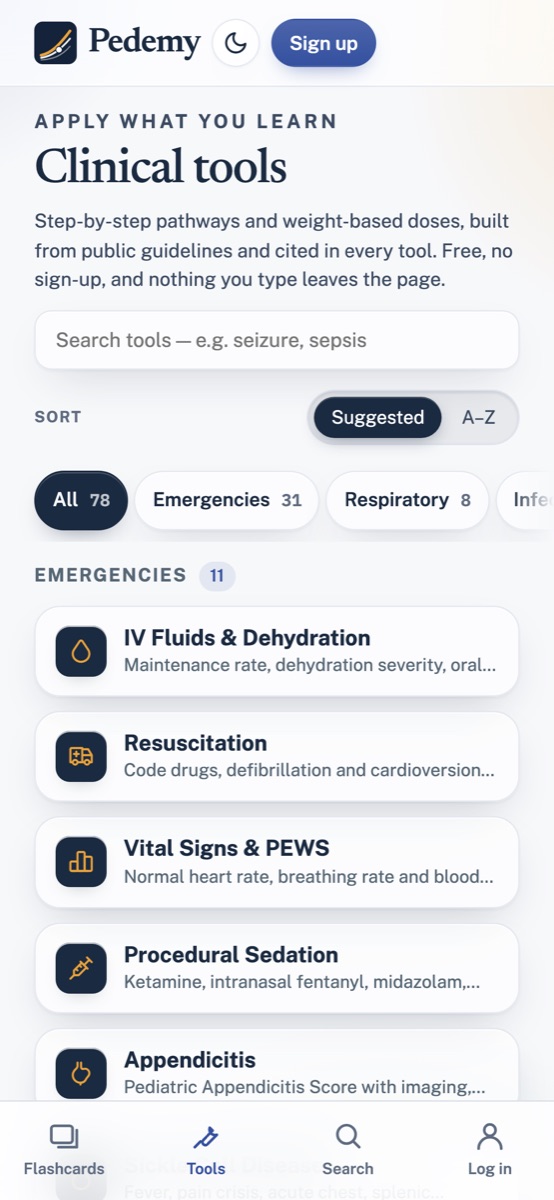
Add Pedemy to your home screen from Chrome; it opens full screen like an app.

Everything works in any browser at pedemy.com: no install, no payment, no ads. Sign in on each device to keep one set of progress.